Rich Morin wrote:
- What data would be useful for tuning the software?
I don’t think we are even at the point of trying to tune the software, I think
we are still trying to figure out if there is something that needs tuning
- What are some cheap and easy ways to collect data?
I think we want to have people build a machine that works, then use the frame
calculators to see if they have potentially problematic areas, then see what
happens as the machine gets into those areas. We need to know the calibration
fitness score, and I think it would be useful to manually measure the anchors to
see how they compare. We also need to know horizontal vs vertical.
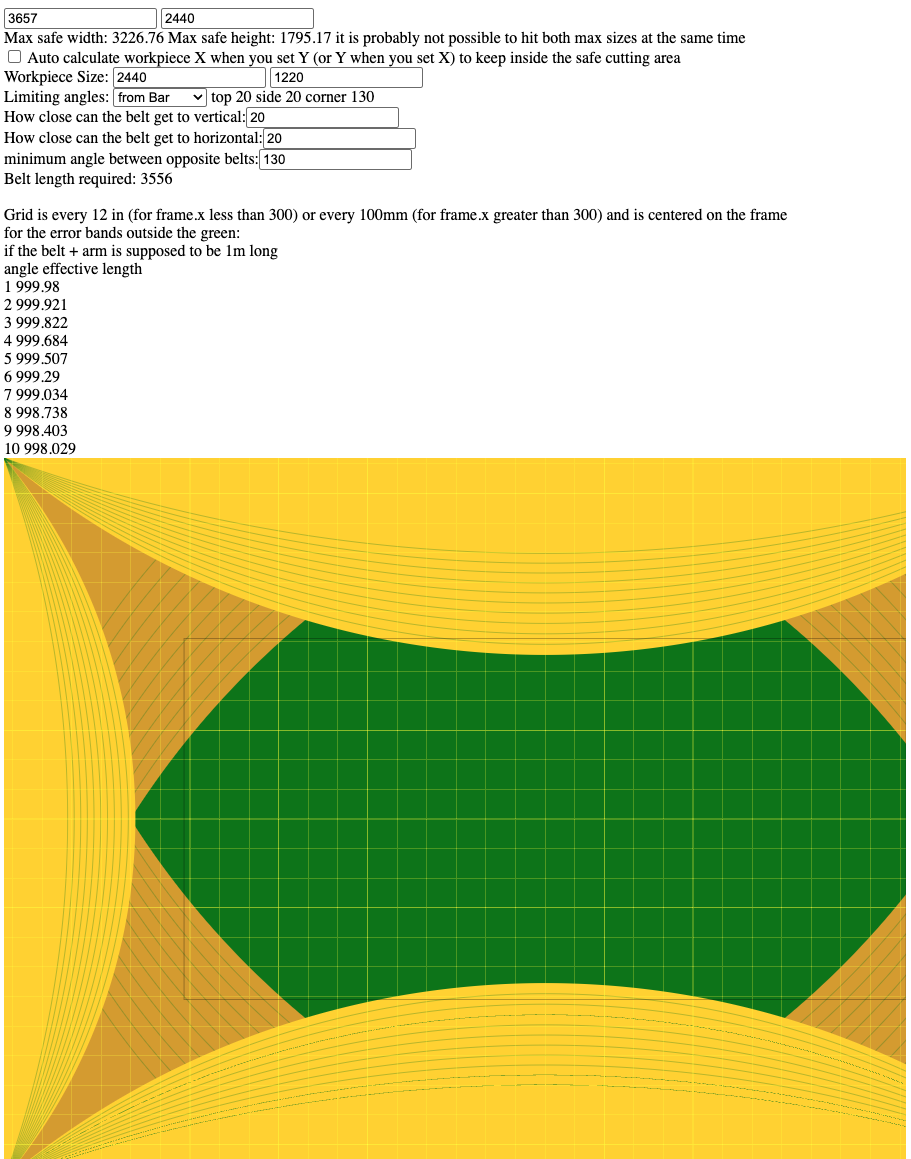
For example, kyleschoen just posted his frame dimensions in the screenshot of
the calculator. If you look at the calculator, you see that a line along the top
of the workpiece would start deep in the yellow corner, go into the green, then
into the yellow top, then the green, then deep into the yellow of the other
corner. If such a cut is made, how straight is it? how does any deviation of the
cut map into the different bands of yellow?
If you just cut/draw a grid (say every 50mm to 100mm do you have some area
that’s very good and other areas that show distortions (either in distances or
in straightness, i.e. is it solidly at 50mm horizontal spacing in the center,
then grow or shrink as you move away from the center?
are there other things that show up that we don’t expect? (I think there
probably will be)
- Might a group spreadsheet or wiki page be useful?
possibly
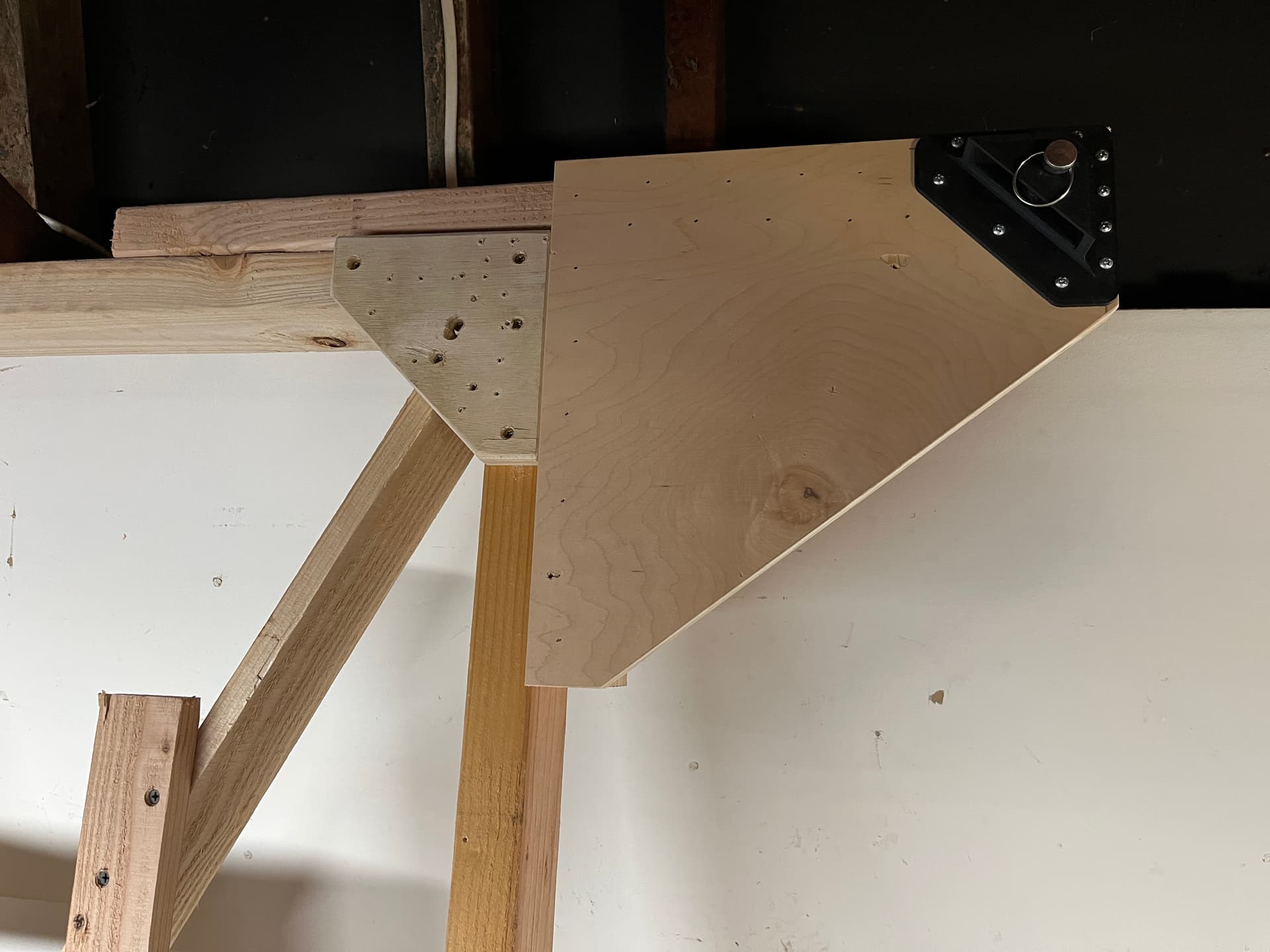
It also occurs to me that some problems may be mechanical in nature (e.g., cable binding), so a close visual inspection should be performed before running any tests.
One open calibration issue has to do with setting up a physical reference. One approach would be to mount a laser pointer on the sled, shining down on a printed grid. However, the Maslow’s scale turns into an obstacle:
- Even “large” or even “giant” format graph paper sizes don’t go up to 4’ x 8’.
even worse, when you try to get large format prints from kinkos/etc they end up
being pretty accurate across the page, but when printing on a long roll, the
distance along the roll isn’t very accurate.
do a little reading on the problems involved by looking up ‘optical calibration’
in the old threads
- One could use a straightedge and a pen to mark the spoil board in a grid pattern, but this sounds both tedious and error-prone.
measuring long distances with high accuracy is hard, your straightedge and tape
measure may be introducing error. There is an old thread “in search of accurate
measurements” that’s worth reading
David Lang