Do I need to delete all 3, restart it, upload all 3 and restart again?
that sounds like a good idea, it’ll need to be maslow.yaml not Maslow.yaml
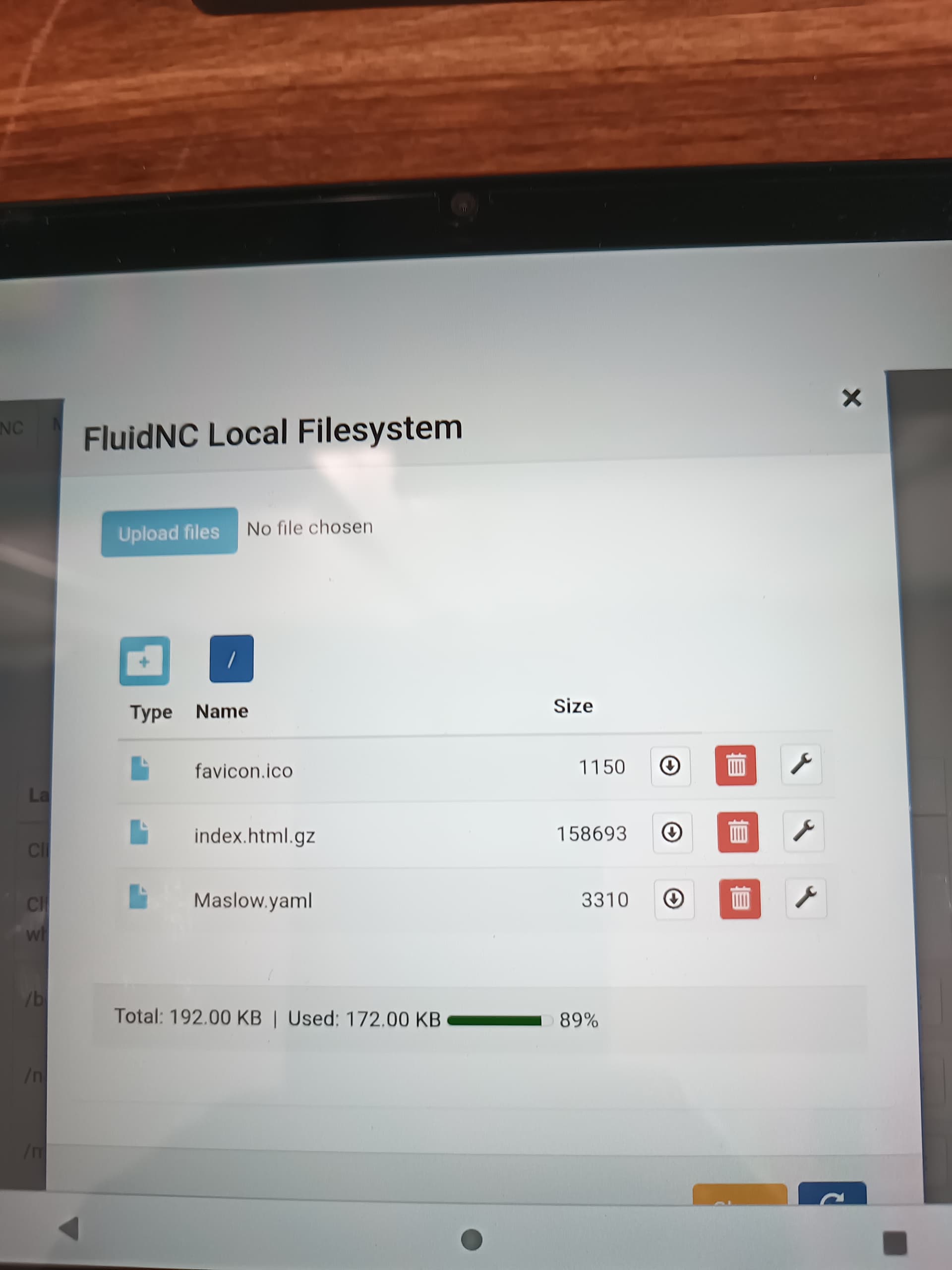

Yes, I think that the capital M is probably the issue. The file name needs to be the same or it won’t be able to find it.
Guess I will have to switch computers or something… The upper case is not there in the download. I can’t find the firmware and all that on GitHub. All I find is old stuff. I had values saved in the new firmware but now they have been changed. Where in the forums can you find links to update stuff. Guess I need to find all 3 and start from scratch I guess. So lost here. Any chance of a new video door the most current stuff, numerical values and what not. I know your probably going crazy with all of us right about now. Lol
Jeremy
Yes, absolutely. I am going to make the calibration process substantially easier in next weeks update (no messing with those files at all ever again) and then I’m going to do a video on it.
You can always find the latest version of everything here:
But in this one:
I tired to edit things for you so that you wouldn’t have to worry about it.
Overall if you are feeling frustrated it might be worth setting it aside for a week or two and coming back once we’ve got the bugs ironed out. It’s only going to get easier every week.
1 Like
From your mouth to Gods Ears!!
1 Like
@bar OMG…you were right, step away from the machine and breathe. I had to work the last couple days come home early today and upload all new files and bam! The belts retract and the Z axis moves. Now let’s see about calibration!
Jeremy
3 Likes
If you wait another few hours the process is going to get even easier with today’s weekly firmware update.
No need to edit those files directly ever again!