When I unlock the alarm and try to get the Z axis to move, the fan comes on for a sec then I get this
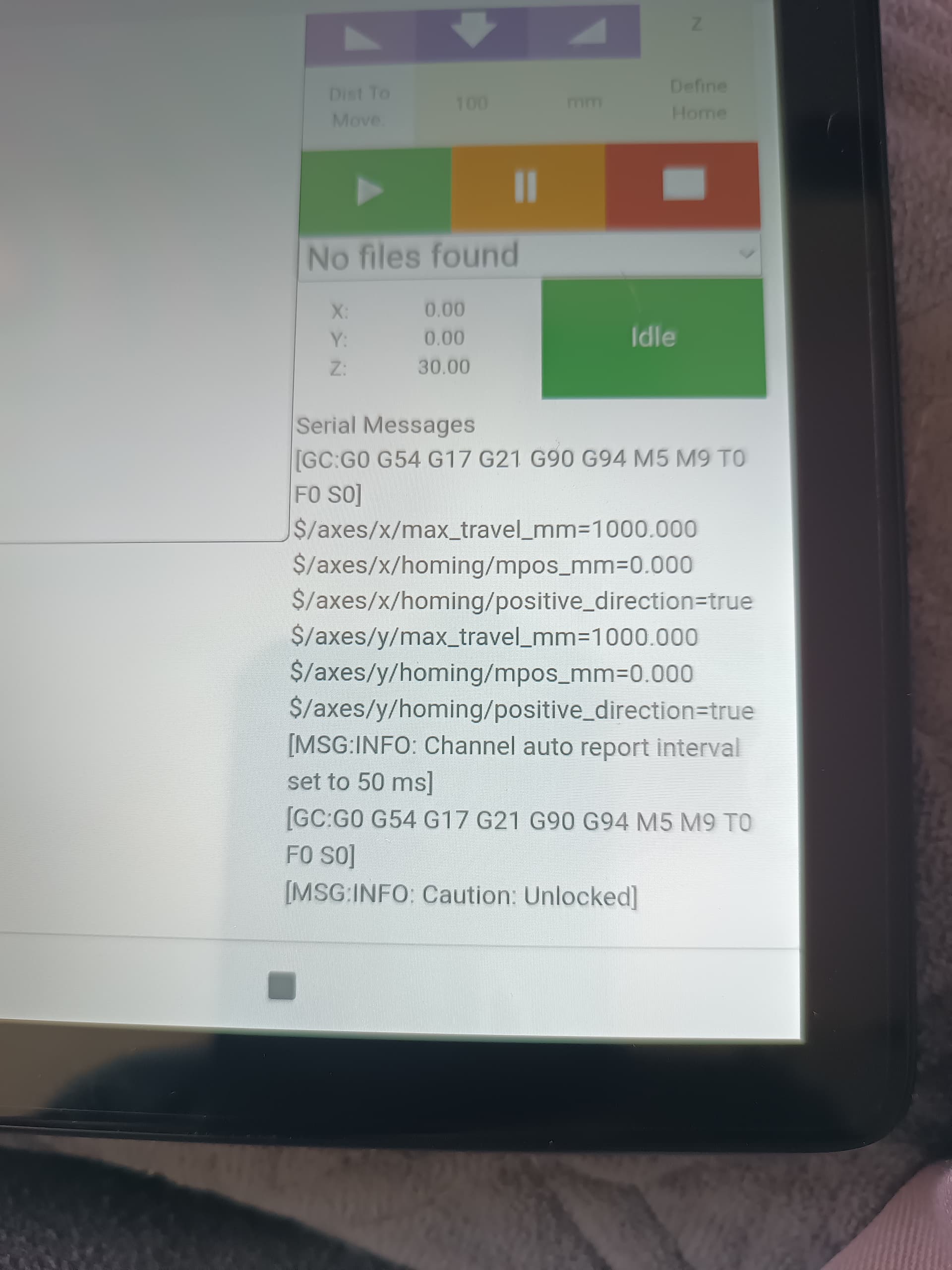
That looks perfect. Does the z-axis move?
Nope. The only thing I can get the belts to do is release tension. The one belt will not move at all and I can push it back and forth so it doesn’t feel like it is pinched.
What do you see if you press the “Test” button?
Doesn’t do anything…I will do it again and what comes up for alarms.
1 Like
It doesn’t do anything…I will go back and see what alarms come up.
1 Like
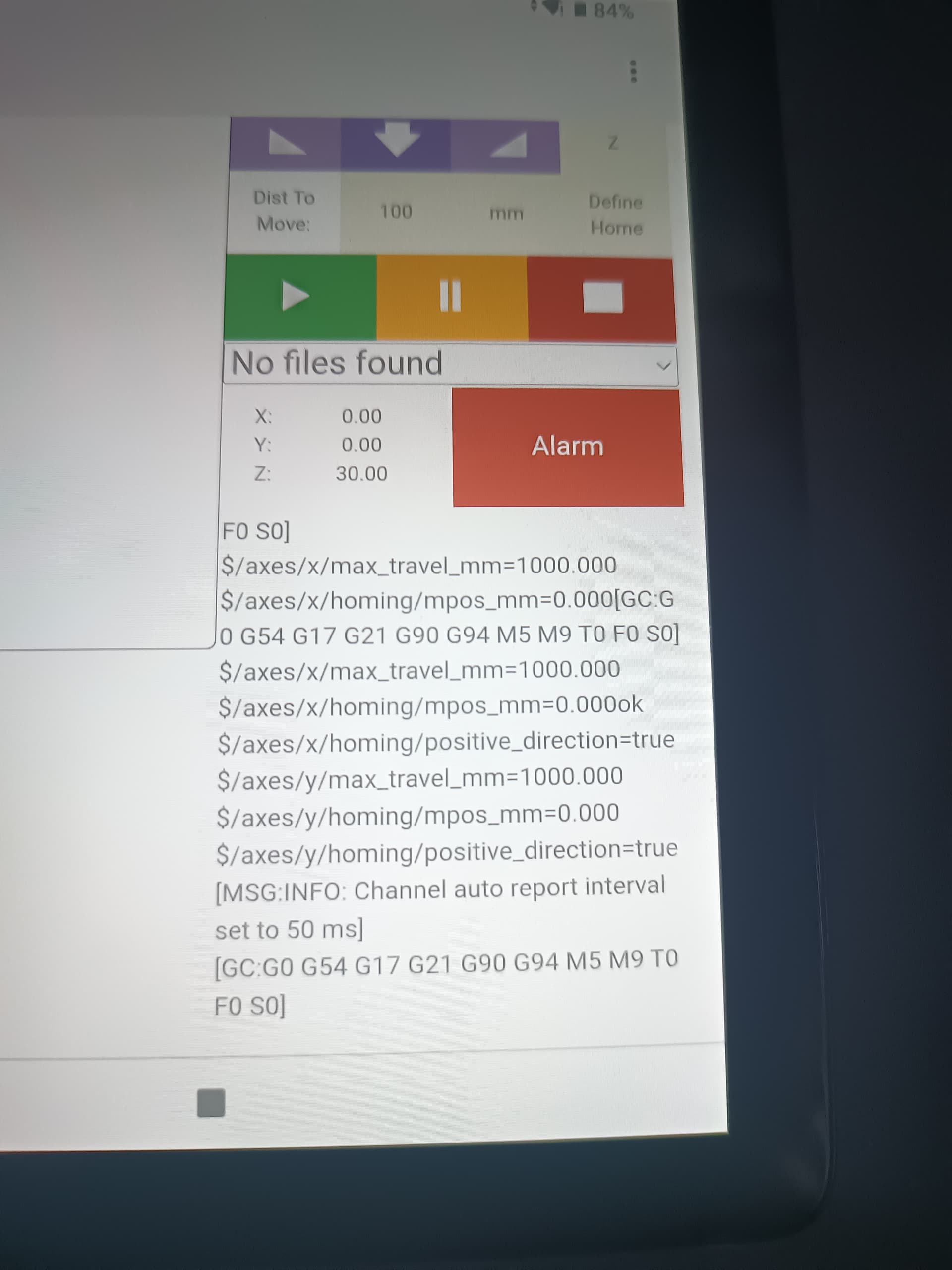
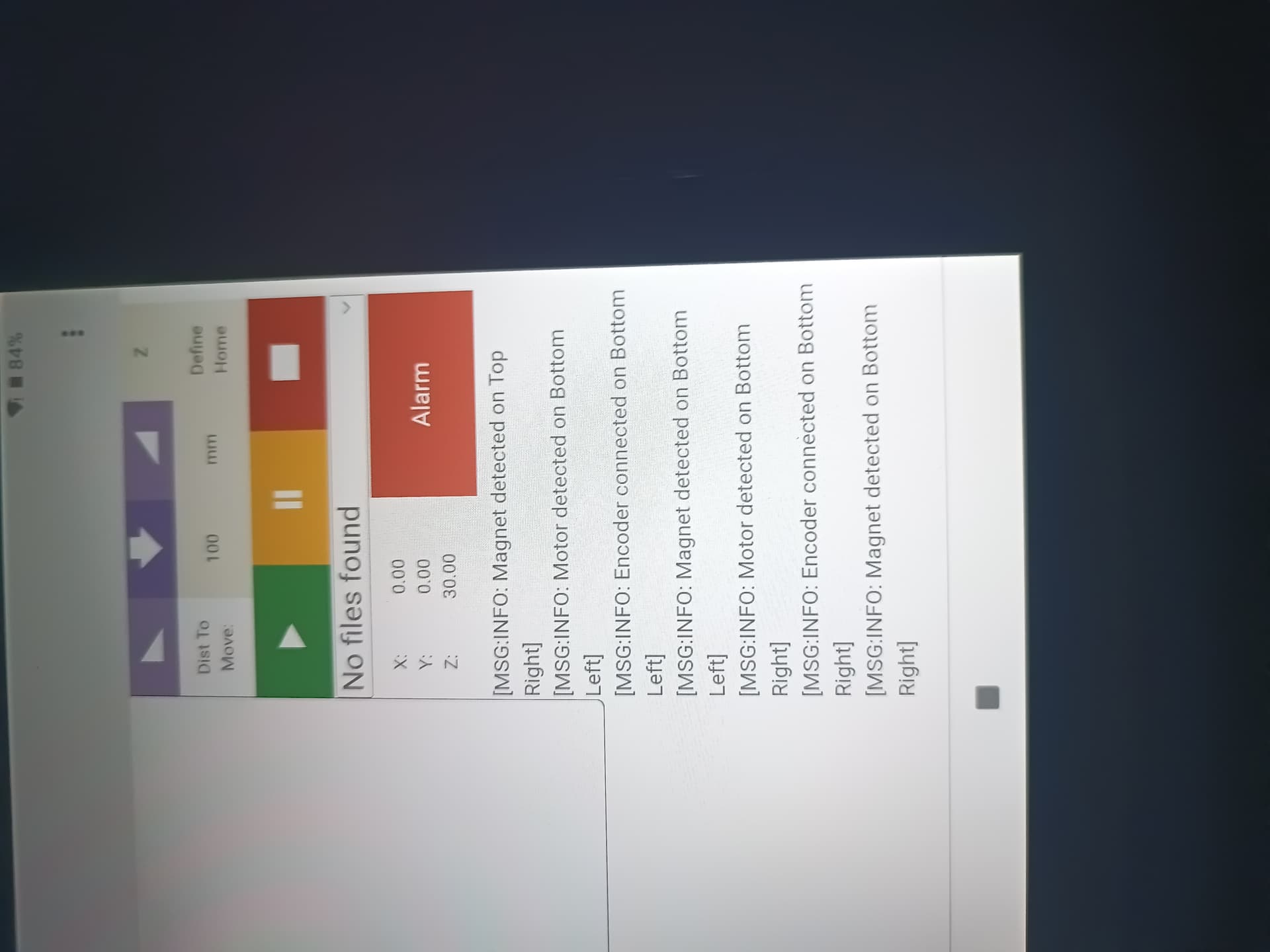
That all looks 100% correct.
Are you still seeing the issues that both the Z-axis won’t move up or down when it looks like this:
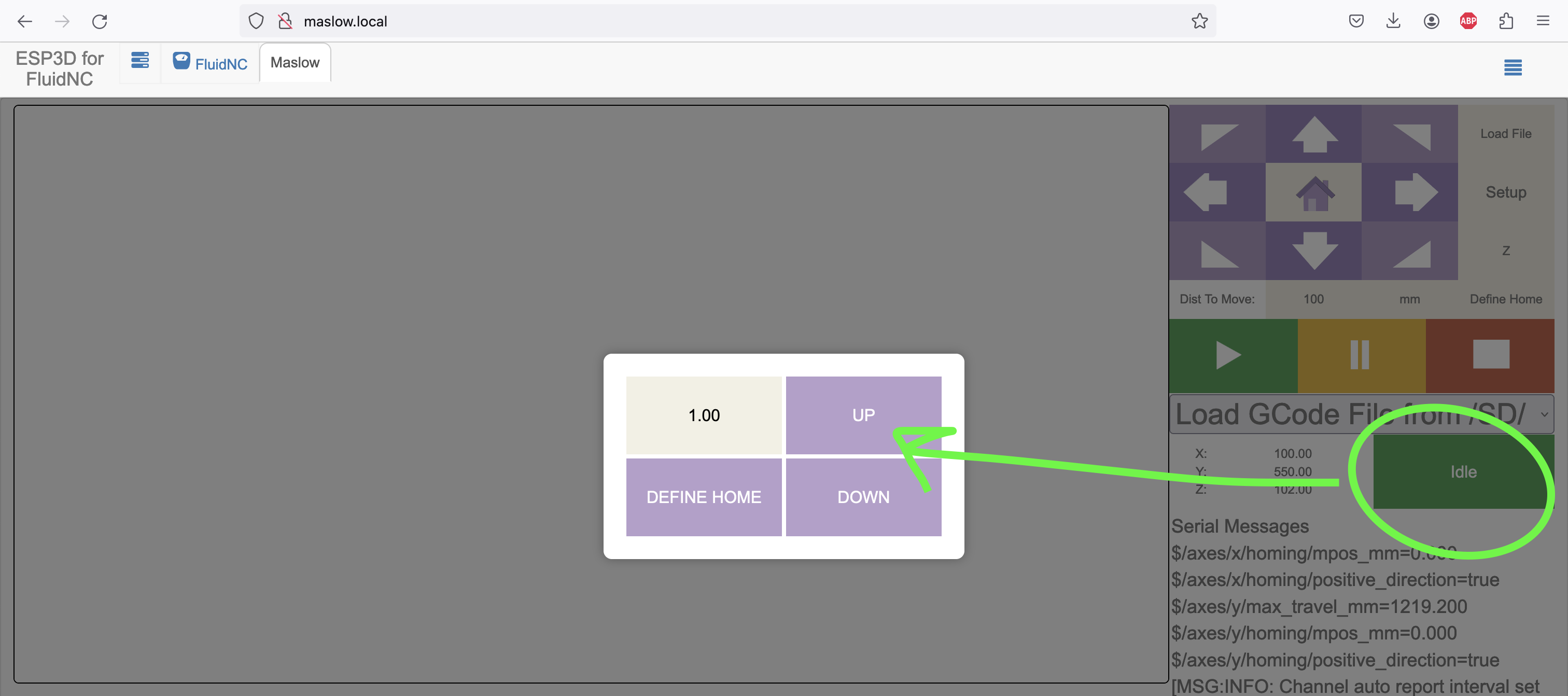
Yes the Z axis will not move at all. And I still can’t get 1 belt to retract it any of them to extend. I’m completely stuck.
Can you post a video of what is going on? I think that I need to be able to see more to understand.
Got my video settings down low and file is to big… Can I email it?
Yes, you can email bar@maslowcnc.com
Sent 2 videos, I split it to make it easier.
Got them! Thank you.
Everything looks normal to me. The first thing that comes to mind is that possibly something has gone wrong in your maslow.yaml file.
Can you try uploading this one to your machine and see if that fixes it?
maslow.yaml (3.2 KB)
I have the new index file and firmware file…I will try that.
1 Like
So I added that to the new firmware and index file…and I get nothing at all. Now I have no movement at all.

1 Like
I am so lost and frustrated 
That Error 152 means that it was unable to read the maslow.yaml file so it seems like there is still something wrong there 
It’s possible that it needs to be turned off and back on again to recognize the new malsow.yaml file. Let’s give that a try?
I did…a couple times. The only difference between the yaml files is the new one once loaded has a capital M in maslow