I published version 1.08, it’s still slightly experimental but I have fixed all the bugs that I know of. I think that some of the parameters might still require a bit of tuning.
It has been too long since we had a firmware release so I want to get it out there.
I have been binge-reading to catch up on the changes on GitHub the last days and I’m itching to upgrade!
I need to get some cuts done this week so I’m a little hesitant. I don’t really have time to spend on fixing errors. At the same time I’d love to help out by testing it.
Updating seems to have been without issues, but I’m unsure of Z-axis. I’m using the probe-function with probe on pin 48. It stopped at -0.22, but did not retract 5mm. This was before I extended the belts and hooked up “Beltedyret”(Norwegian for Armadillo. We named it that since it directly translates to Belt animal).
I have a vague memory that homing Z before connecting the belts didn’t work? And should ZHOME be 0 or the distance retracted from the workpiece?
Basically just run the Z axis until it stops on the motors then. Will that be lower than with the collet barely touching the wood(As it is when calibrating)?
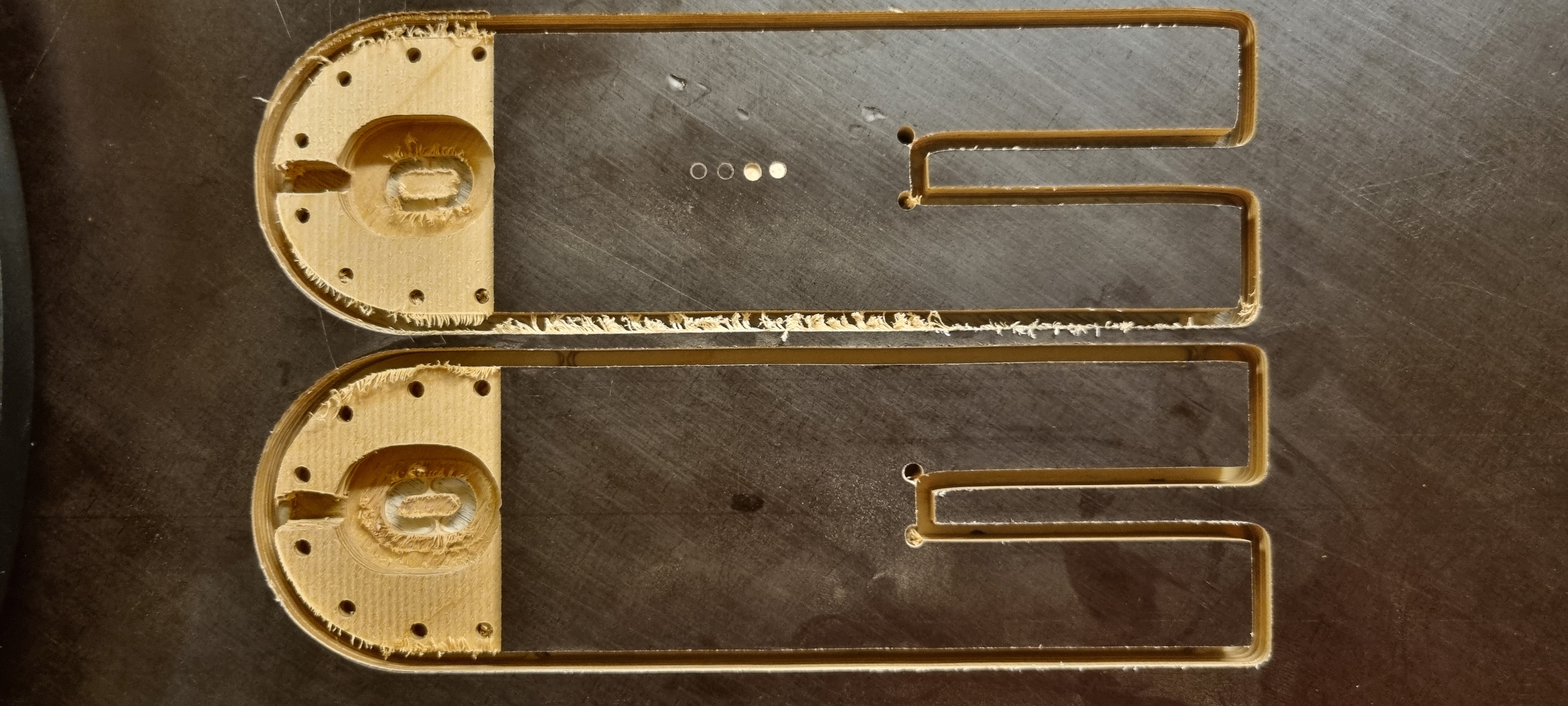
Top part was cut with the old firmware and Z offset settings. We adjusted the Z offsets correctly and calibrated before upgrading. Transferring the values went fine, but we will test calibrating with the new firmware tomorrow. Should we go through more grids, as in 3, 5 then 9, when calibrating to get a better result?
I would expect homing z to work all the time, but I’m not sure about probing.
I think the homing was registered, but it was not automatically raised by 5mm after the probe touched. I raised it manually to 5mm, but after connecting the belts and pressing the home button, X and Y were both 0 but Z was around 15.16 or similar. Homing it manually afterwards was not a problem and everything went fine.
Can’t say I found any other issues, so I’m thrilled! I’ll test some Z action tomorrow and check the dimensions of the part to see if there’s any issues with that.
Have a good night! And thanks again for the great work you guys are doing!
I wouldn’t expect these changes to make a difference for accuracy These changes are more focused on generally improving and updating the underlying systems to handle the math in a more correct way but at this point everything should be working almost identically to before…just under the hood everything is done the right way
I’ve also seen some strange behavior around the z-axis. I can’t put my finger on anything that is a bug for sure, but I did see a couple of things that were a little unexpected. I will do some digging there and see what I can figure out.
I have never done a smaller grid when calibrating. I have always gone directly to 9x9 and 2000x1000. So that was more a question of “Could we get a better result by doing a brand new calibration where we run a smaller grid before going to the 9x9?” Not really the right thread to ask it since it doesn’t directly apply to the FW update, but I was already typing
The next issue might be 1.08 related though. Unless, which could very well be the case, we have misunderstood the process completely or forgot something important.
We ran a successful calibration with 500x500 on a 3x3 grid, just to see the result, and got a score of 1.05.
We then changed the settings to 1000x1000 on a 5x5 grid and started a new calibration. It seemed to start really well, but on the way up it just continued until it went over the frame. Not sure how much higher it would have gone since the powercable got pulled before anything showed signs of stopping. Log attached.
@bar I have been pondering on this behaviour since yesterday, so I checked the calibration video you made for the 1.05 again.
Could this explain it?
After the 3x3 calibration, I did not restart the machine. I just pressed “home” to get it to Y0X0. Then I changed the configuration to Width:1000 Height:1000 and 5x5 Grid and pressed “Calibrate”.
It’s been a while since I calibrated or looked hard at the config last time, but did the old GUI have arrows going from “Retract all” to either “Apply tension” or “Calibrate”?
Is it a known issue that all the belts being tight when starting the calibration is a no-go?
It’s less that the belts being tight is an issue, and more that running calibration back to back times without restarting could be an issue. We had an issue that was exactly like what you described before, but I fixed it…I guess it came back
Calibration went without issues all the way from 3x3 to 9x9 after restarting each time. Fitness score went from 0.67 to 0.88, but the results of the cut afterwards was really bad compared to the last time. The whole machine seemed to be a little “loose” compared to the last runs. It seemed to be tipping easier when changing direction.
I will do a new calibration with higher pullforce tomorrow and see if that helps.
Apart from the “back to back” runaway incident, we have had no issues with the 1.08!
Calibration went without issues all the way from 3x3 to 9x9 after restarting
each time. Fitness score went from 0.67 to 0.88, but the results of the cut
afterwards was really bad compared to the last time. The whole machine seemed
to be a little “loose” compared to the last runs. It seemed to be tipping
easier when changing direction.
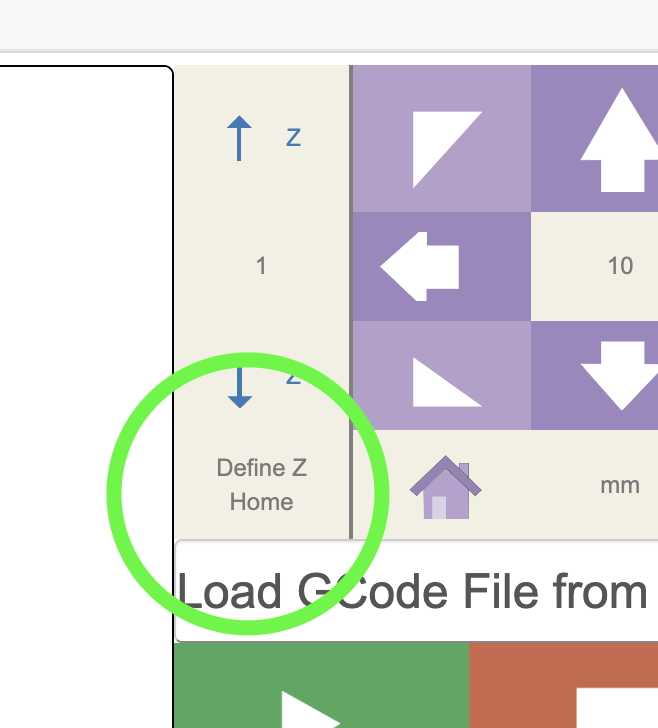
one possible issue is setting Z zero. I saw that @bar is working an issue where
setting Z zero does not seem to be working correctly. If the router is not all
the way down or the system doesn’t think it’s there, it could cause the belts to
be loser than they should be.



 These changes are more focused on generally improving and updating the underlying systems to handle the math in a more correct way but at this point everything should be working almost identically to before…just under the hood everything is done the right way