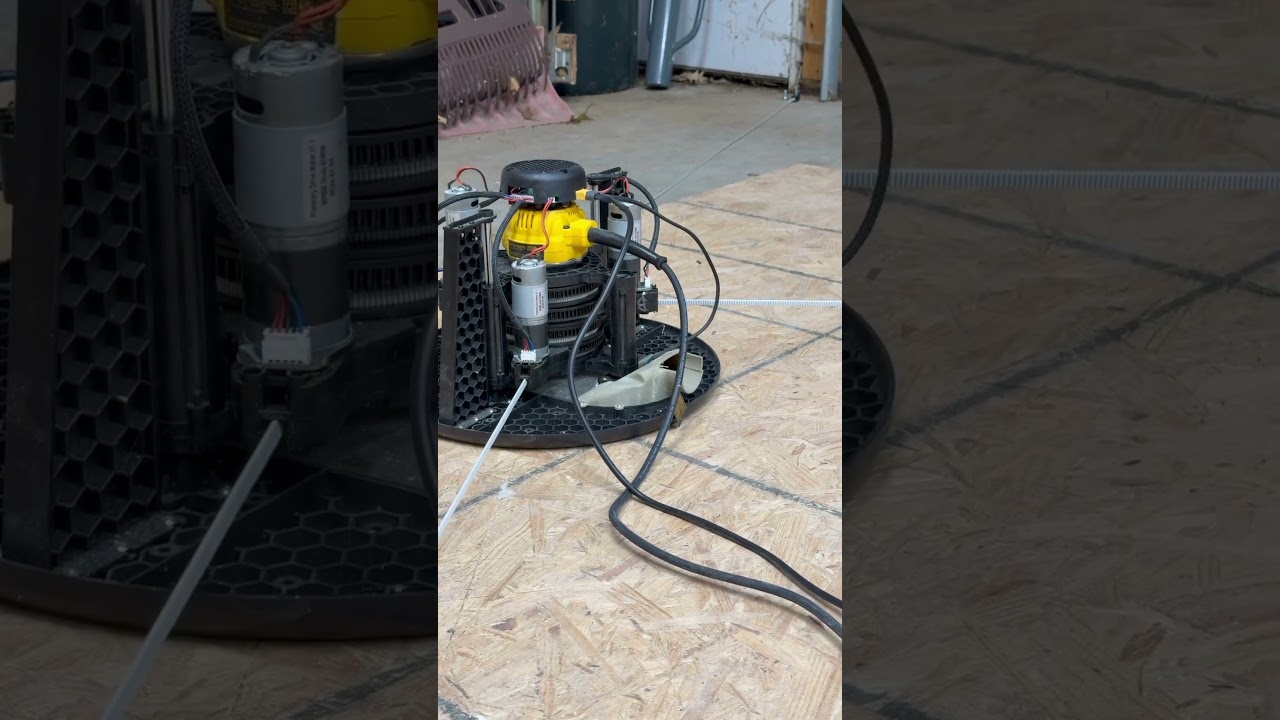
Another option is to use @dlang’s system for manually measuring and finding the anchor points manually
I think it would be useful to do the manual measurement process to get an idea
of how far off the automatic system is.
I’ve also had cases where I was failing to do the automatic finding, then put in
the manual anchor points, and an automatic run completed and refined the
positions slightly.
@Bar What size grid should I try? 5x5 700x700 doesn¢t seem to be doing it. The frame is about 5¢x10¢ with a standard 4x8 as spoil board.
5x10 is very short for the width, see https://lang.hm/maslow/maslow4_frame.html
and put in those values. your height in the green is only ~400mm tall, you may
be better going with 5x8 (but you really need to get more height for your frame
if possible)
It’s annoying that we ask you to pick your own grid size without really any
guidance on what is a good size. I will work on making it so that the machine
picks a reasonable size automatically so it’s not something we have to enter
anymore. There is no reason for it not to do that automatically…I just need
to do some testing to figure out what is a good size
I know that we want things to be as automatic as possible, but we need some
point to start with.
If the belts are extended to distance X, that could be a wide variety of frame
dimensions, from tall and narrow, to square to short and wide. The system cannot
guess from one point what could possibly be a reasonable grid size without more
info.
I think that what we could do is try taking 2-3 points, semi-manually
the first point being where the belts all get tight (roughly centered)
put two belts (bottm) in complient mode, and pull on the upper belts.
Ideally I would want the user to move up to the top of the workpiece, or
until the top arms hit the side uprights, whichever came first. moving a fixed
amount can be a problem, too little on large frames, too much on small frames
then pull tight and get a measurement
at this point, it may be enough to get a rough idea of frame shape just from
these two points, but it may also be worth moving down to the bottom for a third
point (again, to the bottom of the work area, or until the bottom arms hit the
uprights)
at that point we may have enough of an estimate to define a resonable grid size
for fine tuning.
If we find we don’t, then raise back up to the center and have the user drive to
each side (again, to the limits of the work area or until the arms hit the
uprights). Driving to the side will be trivial on a horizontal frame, but harder
to do on a vertical frame.
Oooh shoot. so looking at your svg, and doing some napkin math, I need like 11 x 14 foot frame to cut the entirety of a 4x8 sheet if I really wanted to?
Maybe I need to build some stand offs from my current frame… and tear down one of the walls in my shed… lol
Oooh shoot. so looking at your svg, and doing some napkin math, I need like 11 x 14 foot frame to cut the entirety of a 4x8 sheet if I really wanted to?
Maybe I need to build some stand offs from my current frame… and tear down one of the walls in my shed… lol
you can go taller if you go narrower, which is why I pointed out that 5x8 may be
better for you than 5x10 (I didn’t try narrower)
@dlang how’d you come up with the svg? what’s the math behind that? if it’s straight forward it wouldn’t be too much extra javascript to turn it into a tool for others to use… or a step further add it to the Bar / Maslow ified esp3d ui.
@dlang how’d you come up with the svg? what’s the math behind that? if it’s straight forward it wouldn’t be too much extra javascript to turn it into a tool for others to use… or a step further add it to the Bar / Maslow ified esp3d ui.
all the math is in the javascript in that html doc
similar, that one has options to check for things that mine doesn’t, mine allows
you to tweak the machine settings a bit more.
edit: I need a much larger frame.
This is a common problem, not even Bar realized how large a frame you need
related to the cutting area. He thought about problems with the top motors
running out of power, but not the problems with the arms hitting the uprights,
and even after he though about that limit for adjacent anchors, he didn’t think
of it for the opposite anchors (which is why the corners aren’t good)
so when people are having problems calibrating, I look for frame size and Z
offsets as my first two things to check.
There have been several threads talking about manual calibration
my version is:
you measure all 6 anchor distances manually, as accurately as you can. Then
enter them into the configuration parameters at the top left (may need to scroll
the section to see all of them)
it uses 5 of these measurements to see where the anchors are, then compares the
measured 6th measurement to what it calculates from the other 5 to give you and
idea of how accurate your measurements are.
hi, so I gradually tried a 7x7 grid with dimensions 1600x800, both forces 1500, and it seems that the belts are no longer loosening, however the accuracy is 3-5mm shorter at 1m in the X axis.
fitness approx. 0.8
so I also tried with 9x9, 2000x1000, both forces 1600. The belts do not sag, but the accuracy is still with some scale. 3-5mm shorter at 1m
fitness was approx. 0.65
@bar I’m glad you had success running the larger calibration. Mine never honed in after the last pass on 7x7 at 1000 x 500. lol.
I’m going to try again next week after putting come floor anchors in and expanding my “frame” area to closer to 12x12’. @dlang I appreciate you pointing out that my situation was woefully inadequate.
@Spnc Do you want a square frame? Don’t you use maslow for full plywood
formats?
if you look at http://lang.hm/maslow/maslow4_frame.html 3660x3660 isn’t a bad
size, it runs into a little grief right at the very edges, but even at it’s
worst, it only gets two bands out of the green. going a little shorter gets the
sides into the green, but the corners end up more out of the green
the tradeoffs for frame size are not intuitive and can be maddening
Alright, I tried anchoring straight into the barn floor. ‘Find Anchors’ is running but some of the belts weren’t tight during calibration, consistently it seemed the bottom left belt (if it were vertical) didn’t pull tight multiple times.
We’ll see if it finishes calibrating. Frame is much closer to 13’ by 8’ now.
I believe my “frame” should be about 2438.4 mm by 3962.4 mm. It’s currently running a 3x3 on 400x400. If it actually finishes i’ll try again 7x7 at 1300x800.
if you have a belt that is not pulling tight at even a few of the points, the calibration run is not going to be useful
you can increase the calibration current limit, or you can take apart the problem arm and figure out why it’s taking more force to retract than the other arms.
Well the belt broke on one of them… off to Amazon.
Convince me I don’t have some variation of this though:
Bottom left motor not working during calibration vs bottom left motor doesn’t retract? The 4.0 wasn’t this bad, just lost signal because of the old cables

 lol
lol